






My very first website—a clumsy recipe blog—was hacked by someone who replaced my famous scone recipe with a rather unsavoury sales pitch for cheap sunglasses. If you’ve ever wondered whether your website might be a hacker’s next target, you aren’t alone. Today, let’s skip the technical jargon and, with a dash of British honesty, unravel five simple but vital checks even the greenest website owner can do to keep things secure. (And no, you don’t need to know what SSH stands for!)
Password Follies: Why ‘123456’ Is Practically an Invitation
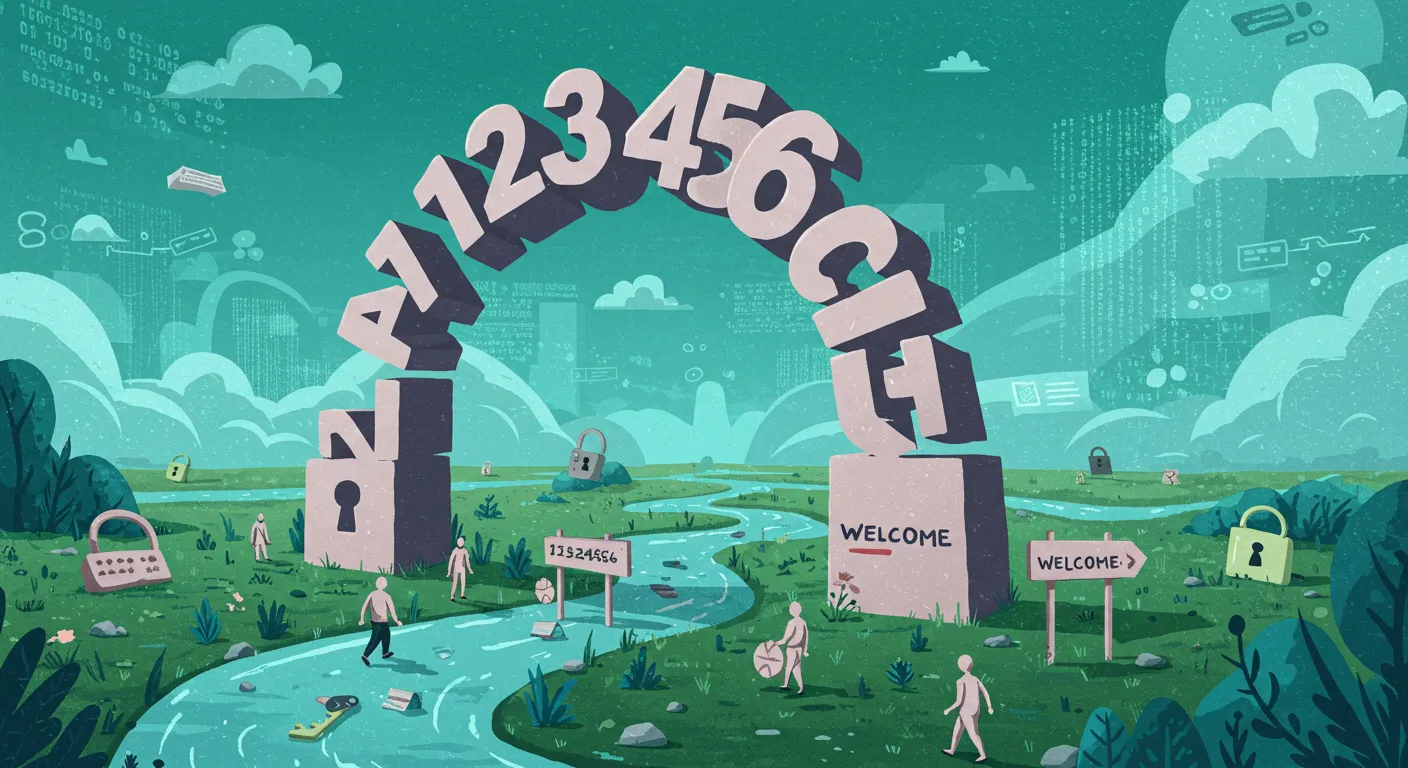
Let’s face it: relying on weak passwords is still the number one rookie mistake—even in 2025. You might think cyber criminals have moved on to more sophisticated tricks, but the truth is, they’re still exploiting the same old password blunders. According to Upguard.com, a staggering 85% of breaches in 2025 involved compromised credentials. If you’re still using ‘123456’, ‘password’, or your pet’s name, you’re practically rolling out the red carpet for hackers.
Colin’s Close Call: A Cautionary Tale
Take my mate Colin, for example. He runs a charming online plant shop and, like many, thought he was too small a target for cyber crime. Unfortunately, he used the same password for his email, shop admin, and even his favourite streaming service. One day, his website was hijacked and customers started receiving dodgy emails. The culprit? Password re-use. Once hackers got into one account, the rest fell like dominoes. Colin’s story is a reminder that strong passwords and 2FA are not just for big businesses—they’re essential for everyone.
The Basics: Strong Passwords Are Foundational to Website Security
So, what makes a password ‘strong’? It should be:
- At least 12 characters long
- A mix of upper and lower case letters, numbers, and symbols
- Unique to each account—never reused
As security expert Troy Hunt puts it:
Passwords are like toothbrushes: choose a good one, don’t share it, and change it often.
It’s tempting to stick with your favourite password, but regular changes are vital. Cyber attackers often use leaked password lists from previous breaches, so even a ‘strong’ password can be risky if it’s been used elsewhere.
Password Management Policies: Reducing Human Error
Let’s be honest—remembering dozens of complex passwords is a headache. That’s where password management policies and tools come in. Password managers generate and store strong, unique passwords for each account. This not only makes your life easier but also dramatically reduces the risk of human error. Many businesses now automate password changes and enforce complexity rules, making it much harder for hackers to break in.


Two-Factor Authentication (2FA): Your Secret Weapon
If strong passwords are your first line of defence, two-factor authentication (2FA) is your secret weapon. 2FA adds an extra step—usually a code sent to your phone or generated by an app—so even if someone steals your password, they can’t get in without the second factor. It’s simpler than you might think, and it’s proven to be highly effective. In fact, 2FA adoption rates are up 20% over the previous year, reflecting its growing importance in website security.
Enabling 2FA on your website’s admin panel, email, and any other critical accounts is non-negotiable. Most platforms now offer easy setup guides, and many password managers include built-in 2FA support.
Quick Tips for Strong Passwords and 2FA
- Use a password manager to generate and store complex passwords
- Never reuse passwords across different sites or services
- Enable 2FA wherever possible, especially for admin and email accounts
- Review your password management policies regularly—automation helps
- Educate your team about the dangers of weak passwords and the benefits of 2FA
Remember, cyber attackers are always looking for the easiest way in. Don’t make it easy for them. Strong passwords, password managers, and enabling two-factor authentication (2FA) are non-negotiables for online safety. Take a moment to review your current setup—your website (and your customers) will thank you.
The Unseen Hero: HTTPS and SSL—More Than Just a Padlock Icon
When you think about website security, the little padlock icon in your browser’s address bar might seem like a small detail. But in reality, HTTPS with SSL is the unsung hero of web application security. It’s not just a visual cue; it’s a vital shield that protects your site and your visitors from digital threats. In 2025, implementing HTTPS with a valid SSL certificate is non-negotiable for any secure site. Let’s explore why this is a key item on every website security checklist—and why you should never take it for granted.
HTTPS Isn’t Optional—It’s Essential
Imagine sending a postcard with your private details written on it. Anyone handling that card could read your message. That’s exactly what happens when your website doesn’t use HTTPS with SSL. Without encryption, every bit of data—logins, contact forms, payment details—is broadcast openly to anyone who cares to look. In today’s world, where privacy and trust are paramount, this is simply not acceptable.
In fact, browsers like Chrome and Firefox now display a glaring ‘Not Secure’ warning on sites without HTTPS. This doesn’t just frighten visitors; it damages your reputation and can even impact your search engine rankings. According to Siteground.com, 99% of top websites now use HTTPS. If you’re not part of that majority, you’re not just behind—you’re putting your site and your users at risk.
SSL/TLS in Plain English: Your Digital Seatbelt
So, what exactly does SSL (or its modern version, TLS) do? In simple terms, it encrypts the information sent between your website and your visitors. This means that even if someone manages to intercept the data, all they’ll see is gibberish. No eavesdroppers, no snoops, no digital pickpockets. As web security expert Scott Helme puts it:
SSL is the seatbelt of the web—if you wouldn’t drive without one, don’t browse without the other.
When you enable HTTPS with SSL, you’re not just ticking a box for compliance. You’re actively protecting your users’ privacy and building trust in your brand. It’s a simple step, but it makes a world of difference.
A Cautionary Tale: The Forgotten SSL Certificate
Let me share a quick misadventure from my own experience. Once, I forgot to renew my SSL certificate. The result? My contact page suddenly flashed a dramatic ‘Not Secure’ warning to every visitor. Emails stopped coming in, and my site’s credibility took a hit overnight. It was a public lesson in the importance of keeping your certificates up to date.
This isn’t uncommon. Data shows that SSL certificate errors spike in June and December—likely because many certificates expire in these months. A lapse in renewal is easy to make but can have serious consequences for your website security and reputation.
Pro Tip: Never Miss a Renewal
- Set a calendar reminder for a month before your SSL certificate expires.
- Check your certificate’s expiry date regularly—most providers will also send you reminders.
- Consider using automated SSL renewal if your hosting provider offers it.
Your future self—and your visitors—will thank you for it.
Why HTTPS with SSL Is a Must on Your Website Security Checklist
- Protects sensitive data from interception and theft.
- Boosts user trust and confidence in your site.
- Improves SEO—search engines favour secure sites.
- Prevents browser warnings that can scare away visitors.
- Required for compliance with modern web standards in 2025 and beyond.
In summary, HTTPS with SSL isn’t just about a padlock icon. It’s a fundamental part of web application security, and a must-have on any website security checklist. Don’t leave your site—and your users—unprotected.

Harmless Until It Isn’t: The Dangers of Skipping Software Updates
It’s easy to ignore those little update notifications that pop up on your website dashboard. Maybe you’re busy, or perhaps you assume everything is ticking along just fine. But here’s the hard truth: skipping software and plugin updates is one of the fastest ways to put your website at risk. In fact, according to SentinelOne, 60% of exploited breaches in 2024 were linked to unpatched software. That’s a staggering number—and it’s mostly preventable with a few simple habits.
The weakest link in security is usually the update you didn’t install. – Katie Moussouris
One Forgotten Plugin Can Invite Trouble
Let’s be honest: most of us have installed a plugin or two and then forgotten about them. But even that obscure image gallery plugin you added last year can become a target. I once woke up to find my site’s image gallery had been hijacked overnight, simply because I’d missed a minor update. That single oversight opened the door to malware and hackers, causing hours of clean-up and stress.
Neglected software is not just a minor oversight—it’s one of the OWASP Top Ten web application risks. Hackers actively scan for websites running outdated software, looking for known vulnerabilities to exploit. When you skip updates, you’re essentially leaving your digital front door unlocked.
Why Software and Plugin Updates Matter
- Patch Known Vulnerabilities: Updates are released to fix security holes that attackers already know about. By keeping everything up-to-date, you’re closing those gaps before someone else finds them.
- Improve Performance and Compatibility: Updates often include bug fixes and improvements, making your site run smoother and more reliably.
- Stay Compliant: Many data protection regulations require you to keep your software updated as part of basic cybersecurity hygiene.
What Needs Updating?
It’s not just your main web platform that needs attention. Here’s a quick checklist:
- Web Platform: Whether you use WordPress, Joomla, Drupal, or another CMS, keep it updated.
- Plugins and Extensions: Even the ones you rarely use can be a risk if left outdated.
- Themes: Outdated themes can also contain vulnerabilities.
- Server Software: Don’t forget about PHP, MySQL, and other server-side components.
Automated Updates: Your Secret Weapon
If you’re forgetful or simply too busy to check for updates regularly, automated updates are a blessing. Most modern platforms and hosting providers offer options to enable automatic updates for core software, plugins, and even themes. Contrary to popular fear, these rarely break your site—especially if you’re using reputable plugins and themes.
Here’s how automated updates help:
- Peace of Mind: Updates are applied as soon as they’re released, reducing your window of vulnerability.
- Less Manual Work: No more logging in every week to check for updates.
Automated Backups: Your Safety Net
Of course, even the best update can sometimes cause unexpected issues. That’s where automated backups come in. Set up regular backups so you can quickly restore your site if something goes wrong during an update. Many backup plugins can be scheduled to run daily or weekly, and some hosting providers include automated backups as part of their service.
Key Takeaways
- Neglected software is a top security risk according to the OWASP Top Ten.
- Update everything: your web platform, plugins, themes, and server software.
- Automated updates and backups are essential for busy site managers.
- One missed update can open the door to malware and hackers—don’t let it be yours.
Keeping your software and plugins updated is the easiest and most effective way to patch known vulnerabilities and keep your website safe. Don’t let a harmless-looking update notification turn into a costly security incident.
Firewalls: Your Website’s (Slightly Grumpy) Bouncer
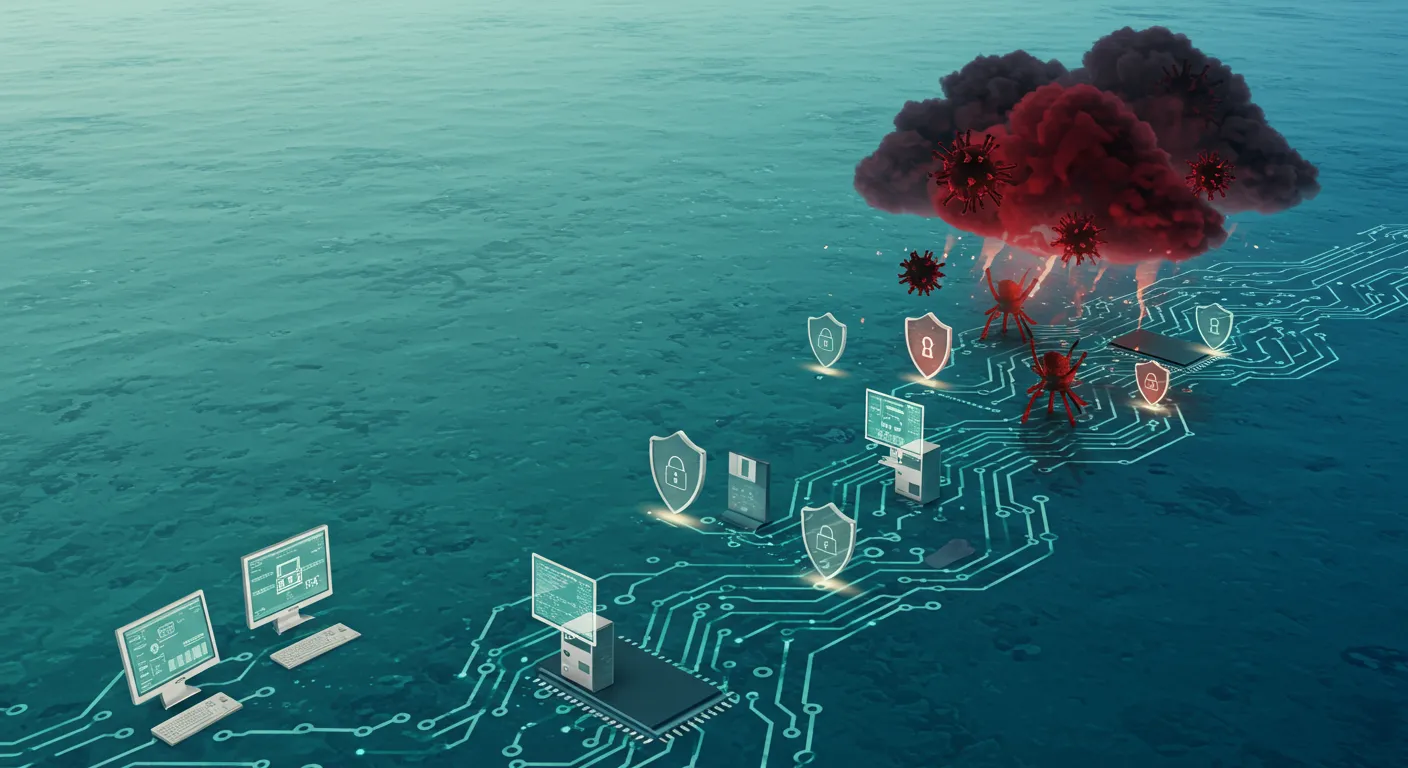
Imagine your website as a buzzing nightclub. You’ve got music, lights, and a queue of eager visitors. But not everyone in that queue has good intentions—some are looking to cause trouble. That’s where your Web Application Firewall (WAF) steps in, acting as your slightly grumpy bouncer. It’s not there to make friends; it’s there to keep out the riff-raff and make sure only the right people get in.
What Exactly Is a Web Application Firewall?
A Web Application Firewall is a security system that sits between your website and the rest of the internet. It filters incoming traffic, blocking suspicious requests and common cyber attacks before they can do any harm. Think of it as a digital doorman, scanning everyone for dodgy behaviour before letting them through the velvet rope.
- Blocks common attacks: WAFs are designed to stop threats like SQL injection, cross-site scripting (XSS), and brute force attacks.
- Monitors traffic: Every request is checked for signs of trouble, such as unusual patterns or known malicious code.
- Works 24/7: Unlike a human bouncer, your firewall never takes a break.
Why Even Small Sites Need Firewall Protection
It’s easy to think, “My website’s tiny—no one’s going to bother hacking me.” Unfortunately, that’s not how cybercrime works. In fact, 90% of successful attacks are automated. Bots don’t care how big or small your site is; they’re programmed to scan the web for any vulnerability they can find. If your site is unprotected, you’re just as much a target as the big players.
As security journalist Brian Krebs puts it:
A firewall doesn’t make you invincible, but not having one is like leaving your front door open in a dodgy neighbourhood.
Real-Life Lesson: The Day I Disabled My Firewall
Let me share a quick story. Once, while tweaking my site, I accidentally turned off my firewall. Within hours, my visitor stats plummeted. Instead of genuine users, I was flooded with suspicious bots and spammy traffic. It took me ages to clean up the mess and get things back to normal. Trust me—having a firewall in place is far less stressful than dealing with a compromised site.
Firewalls Are Easier Than You Think
Worried about complicated setups or technical jargon? Don’t be. Many modern hosting platforms now include firewall protection as standard. You often don’t need to fiddle with code or install anything extra. Just check your hosting dashboard or speak to your provider to see what’s available. If you use a website security service, chances are a WAF is already working behind the scenes.
Pairing Firewalls with Malware Scanning for Stronger Website Security
While a Web Application Firewall is your first line of defence, it’s not the only one you need. Pairing your firewall with regular malware scanning gives you layered protection. Firewalls block most attacks at the door, while malware scanners regularly sweep your site for anything that slips through. This two-pronged approach is essential for robust website security.
- Firewall: Stops threats before they reach your site.
- Malware Scanning: Detects and removes malicious code that may have sneaked in.
Remember, website security isn’t just about locking the door—it’s about having a vigilant bouncer, regular patrols, and a plan for when things go wrong. Firewalls—especially WAFs—are a simple but powerful way to keep your digital club safe and sound.
Don’t Cry Over Spilled Data: Backups and Their Oddly Reassuring Magic
Let’s face it: no matter how careful you are, things will go wrong. Data gets lost for all sorts of reasons—hacks, accidental deletions, software bugs, or even a freak thunderstorm knocking out your server. If you’ve ever experienced a hosting crash or a sudden website meltdown, you know the sinking feeling that follows. But here’s the good news: you don’t have to live in fear of losing everything. With regular Automated Backups and a solid Website Security Checklist, you can turn potential disasters into mere inconveniences.
Backups are the unsung heroes of the digital world. As cybersecurity expert Mikko Hyppönen puts it:
Backups are the unsung heroes of the digital world—boring until you need them.
It’s true—backups might not be glamorous, but when disaster strikes, you’ll be grateful for every copy you’ve made. The real magic lies in their ability to restore your site quickly and painlessly, so you can get back to business with minimal fuss.
Why Automated Backups Matter
Automated Backups are a cornerstone of Cybersecurity Best Practices. Relying on manual backups is risky—life gets busy, and it’s all too easy to forget. Automated systems work quietly in the background, making sure your site’s data is copied regularly without you lifting a finger. This means that even if you’re caught off guard by a cyberattack or a technical glitch, you’ll always have a recent version of your website ready to restore.
But it’s not just about having backups—it’s about having the right kind of backups. Security experts recommend the 3-2-1 backup rule: keep three copies of your data, stored in two different places, with one copy kept offline. This approach, championed by CarbideSecure.com and other industry leaders, dramatically reduces the risk of total data loss. If your hosting provider fails or your main backup is compromised, you’ll still have another copy safely tucked away.
Backup Testing: The Fire Drill You Can’t Ignore
Creating backups is only half the battle. The other half is making sure they actually work. Backup Testing is like rehearsing a fire drill—perhaps a bit tedious, but absolutely essential. There’s nothing worse than discovering your backups are corrupted or incomplete just when you need them most. By regularly restoring your site from a backup (even if only on a test server), you can catch problems early and avoid nasty surprises after a breach or crash.
Regular backup checks should be a standard item on your Website Security Checklist. Set a schedule to test your backups—monthly is a good start—and make sure you know how to restore your site quickly. This proactive approach ensures that when the unexpected happens, you’re not scrambling to piece things back together.
Be Proactive, Not Reactive
It’s easy to fall into the trap of thinking, “It won’t happen to me.” But the reality is that data loss is a matter of when, not if. Automated, frequent backups are your safety net. They allow you to be proactive, not reactive, about your site’s data security. When you combine automated backups with regular testing and the 3-2-1 rule, you’re building a resilient foundation that can withstand almost any digital disaster.
So, don’t wait for a crisis to remind you of the importance of backups. Make them a central part of your website’s security strategy today. After all, peace of mind is worth its weight in gold—and with the right backup plan, you’ll never have to cry over spilled data again.
TL;DR: Anyone can give their website a basic security facelift—just five quick steps will take you from sitting duck to sturdy hedgehog, no IT degree needed.